



























How Unified Treasury Platforms Automate Invoice Promotion in Xero
 Copied!
 Round’s Auto Promotion automatically moves validated invoices to “ready to pay” in Xero, so finance teams only review exceptions. It reduces manual work while keeping full control and approval within a unified treasury workflow.
Published 17 February 2026.
Round's Auto Promotion automatically marks validated invoices as "ready to pay" inside Round's unified treasury platform, so finance teams only review the exceptions, not every invoice. It checks each invoice for duplicates, missing data, and structural issues before promoting it, keeps final payment approval with the finance team, and syncs the result to Xero.
TL;DR
- Round's Auto Promotion automatically marks validated invoices as ready to pay inside Round's unified treasury platform.
- It removes the need for finance teams to manually promote invoices that are already structurally correct.
- Every invoice is still checked for duplicates, missing data, and structural issues before promotion.
- Only exceptions require manual review; clean invoices move forward automatically.
- It's built into Round's Supplier Payments feature, connecting invoice capture, validation, scheduling, and payment execution in one workflow, without removing final approval.
- Nothing is auto-paid: Auto Promotion changes an invoice's status, not its payment authorisation.
What Problem Does Auto Promotion Solve?
Finance teams still manually review almost every invoice today, not because most invoices are actually problematic, but because the workflow requires it regardless of whether an invoice is clean. A large share of invoices are structurally consistent (no duplicates, complete data, correct formatting), yet teams still spend time on the same three checks for every single one: confirming there's no duplicate, checking contact details, and verifying basic data, before manually moving each invoice forward. Modern treasury platforms are built to change that: invoice handling shouldn't need a human confirmation unless something is actually wrong.
Why Do Finance Teams Still Manually Review Everything?
Traditional approval flows were built around caution: every invoice enters the system, gets reviewed, gets manually promoted, and only then becomes ready to pay. That protects against errors, but it also creates drag that scales badly. As invoice volume rises, teams spend more time confirming consistency than making actual decisions, which matters even more in a treasury context where payment workflows sit alongside liquidity management and execution.
What Does Basic Invoice Automation Get Wrong?
Most invoice automation tools focus on extraction: they use OCR to read a PDF, structure the fields, and reduce manual typing. Extraction alone doesn't remove review. Some tools push every invoice forward automatically regardless of quality, which just shifts risk downstream; others still require manual promotion for every single invoice, which keeps the original bottleneck. In a treasury context, where payments and cash positioning are on the line, neither blind automation nor universal manual review is enough. What's needed is conditional movement: only clean invoices should progress automatically.
What Does Round's Auto Promotion Actually Do?
Auto Promotion fast-tracks error-free invoices by marking them "ready to pay" automatically. It does not auto-pay invoices, it does not remove human oversight, and it does not push everything forward blindly. It removes the specific, repetitive work of manually promoting invoices that are already correct.
How Does the Auto Promotion Workflow Function?
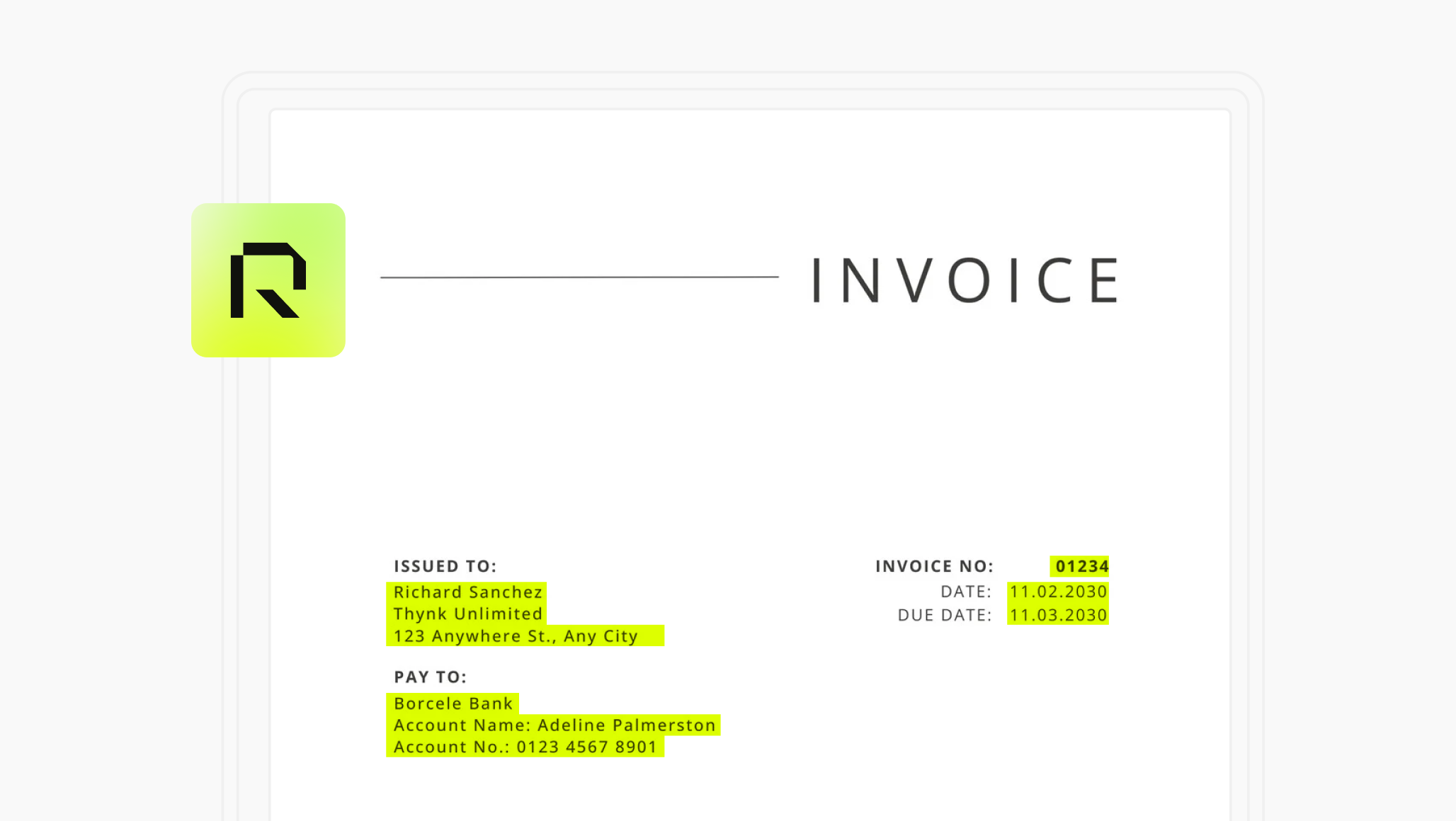
- Invoice ingestion. Invoices enter through email forwarding (PDF or PNG) or drag-and-drop, becoming part of the broader treasury workflow inside the platform.
- Data extraction. The system extracts invoice data automatically, matching existing contacts or creating new ones, removing repetitive manual setup while keeping records structured.
- Strict validation. Before anything moves forward, the system checks for duplicate invoices, structural issues, and missing or inconsistent data. This is validation-driven progression, not blind automation.
- Conditional promotion. If no issues are detected, the invoice is automatically promoted to "ready to pay." Final confirmation remains with the finance team; nothing is auto-paid. Once approved, execution can happen directly from treasury accounts within the system.
How Does Auto Promotion Fit Into a Unified Treasury Workflow?
Invoice handling doesn't exist in isolation: it sits alongside cash positioning, payment execution, multi-currency workflows, and liquidity management. Inside a unified treasury platform, invoice state and payment state shouldn't be disconnected from each other. When invoices are automatically marked ready to pay, payment queues become cleaner, execution becomes more predictable, and finance teams spend less time preparing payments before they're even due.
How Does Round's Auto Promotion Compare to Manual and Basic Automation?
What Changed in 2026
Auto Promotion reflects a broader shift in treasury software: from automation that reduces typing to automation that takes the next conditional step (promoting an invoice, not just extracting its data) while keeping a human as the final approver. The distinction between this and older invoice tools isn't speed alone, it's whether the system can tell the difference between an invoice that's actually ready and one that only looks ready.
Frequently Asked Questions
No. Auto Promotion changes an invoice's status to "ready to pay" once it passes validation. Payment still requires the finance team's approval and is executed as a separate step.
Duplicate invoices, missing or inconsistent data, and structural issues. Only invoices that pass all checks are promoted automatically; anything else is flagged for manual review.
Basic automation typically focuses on extracting data from a PDF and reducing manual typing, but still requires manual promotion for every invoice, or pushes everything forward without validation. Auto Promotion validates first and only promotes invoices that are actually clean.
Yes. Auto Promotion syncs invoice status changes to Xero as part of Round's two-way ERP sync, so a promoted invoice's status is reflected in Xero without manual re-entry.
It's held for manual review rather than promoted automatically. Common reasons include a suspected duplicate, missing data, or a structural inconsistency in the invoice.
Yes. Auto Promotion changes the default workflow so clean invoices don't require manual promotion, but finance teams retain full visibility and final approval authority over payment execution.
It's built into Round's Supplier Payments feature within its unified treasury platform, connecting invoice capture, validation, payment scheduling, and execution in one workflow rather than as a standalone tool.