



























Two Way Xero Sync for AP Automation: How to Choose in 2026
 Copied!
 A practical 2026 guide to genuine two way Xero sync, seven AP options, the exceptions to test and how a UK finance team can choose by workflow rather than integration claims.
Two way Xero sync means bills, approvals and payment status stay aligned in both systems. The right choice depends less on a vendor saying “integrated” and more on what it reads, what it writes back, how exceptions are handled and who owns the connection when something changes.
TL;DR
- The right choice depends less on a vendor saying integrated and more on what a tool reads and writes back.
- It also depends on how exceptions are handled and who owns the reconciliation.
- The guide compares which AP tools genuinely sync two way with Xero in 2026.
- It explains what breaks when a tool only pushes one way, and how to test for write-back.
- It covers setup and maintenance cost, and which option fits a UK finance team on Xero.
This guide compares seven routes: Xero's own bill payment workflow, BILL, ApprovalMax, Tipalti, Payhawk, Agicap and Round. It is not a league table. Each product begins with a different operating problem. The useful question is which one can complete your round trip, including the awkward exceptions.
See how Round connects accounts payable and treasury
What does two way Xero sync actually mean?
In a genuine two way connection, useful information travels in both directions. Xero can remain the accounting record while the AP platform handles capture, approvals, payment orchestration or treasury work.
At minimum, ask whether the connection supports these four movements:
- Bills and relevant supplier data can be read from Xero or created in the AP workflow without duplicate entry.
- Coding and approval context can move to the system where the team acts on it.
- Payment status can be written back after a payment is released.
- The resulting record supports reconciliation in Xero without a separate spreadsheet exercise.
Two way does not mean every field moves everywhere. Nor should it. A good integration has a clear system of record for each object. Xero may own the chart of accounts and final accounting state. The AP tool may own approval history and operational exceptions. The bank owns the executed transaction. The important question is whether those systems exchange the minimum reliable facts needed to complete the process.
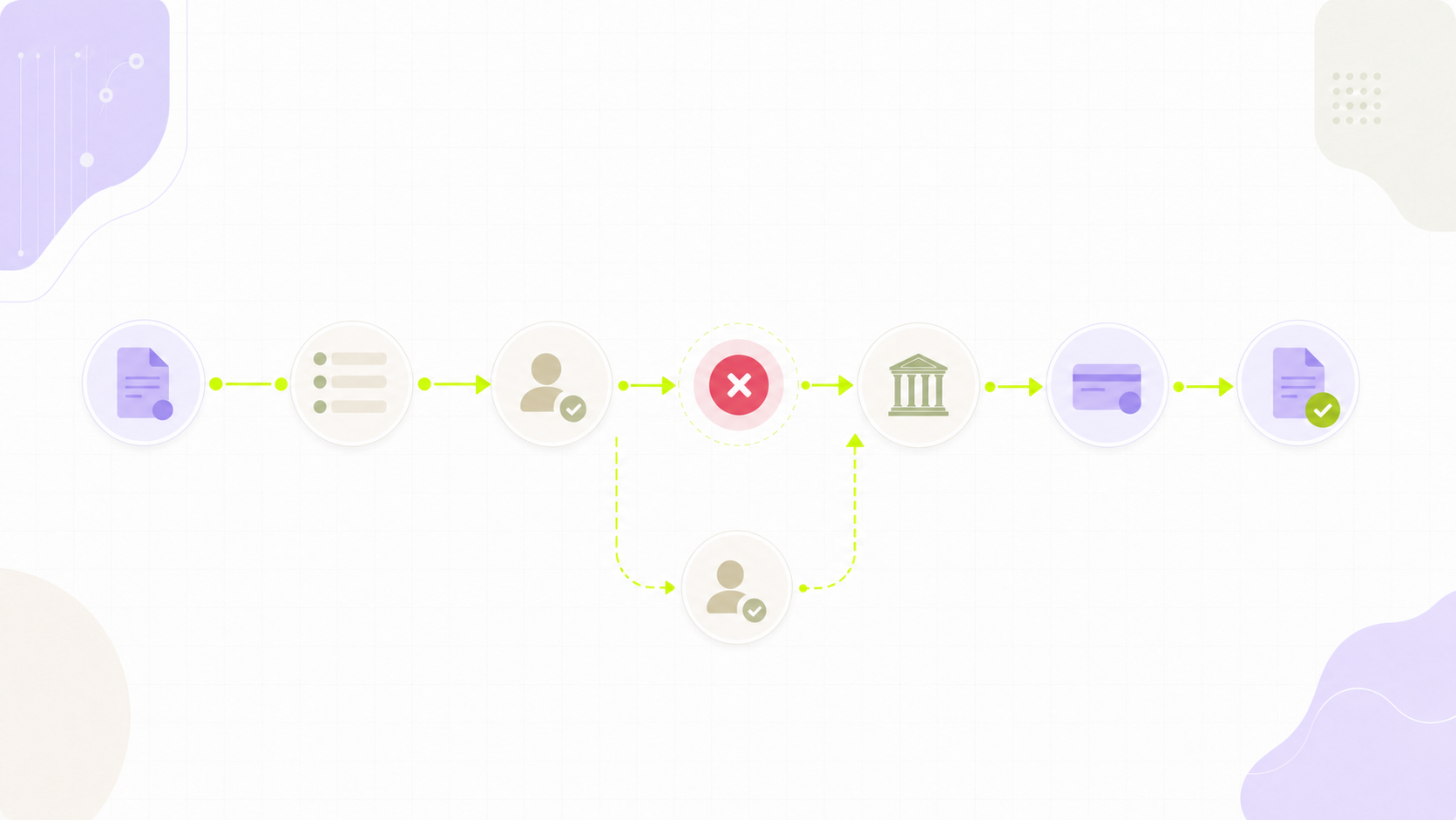
That is why a demo should follow one invoice all the way through. Ask the vendor to show a bill entering the workflow, a coding change, a rejected approval, a successful payment and the final Xero state. A diagram is helpful. A completed round trip is evidence.
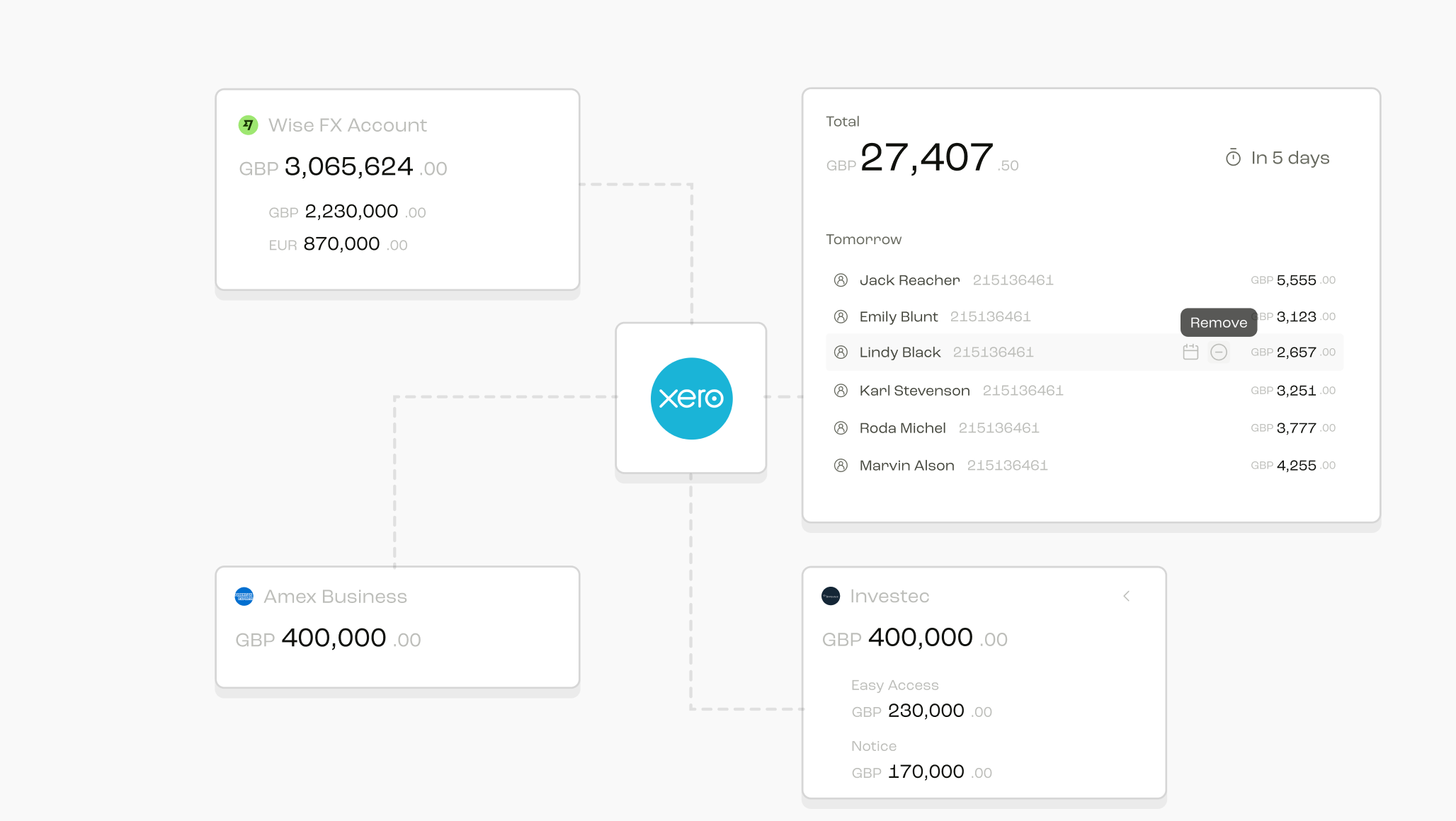
Round connects Xero bill data to the approval and payment workflow, then writes the completed payment state back. The practical proof is still your own invoice: use a representative Xero organisation, bank setup and approval policy, and include a rejection or cancellation rather than testing only the happy path.
Which AP tools sync two way with Xero in 2026?
The products below solve overlapping but different problems. The most useful comparison is therefore not “which has Xero” but “where does the workflow begin, and which accounting events come back”.
| Option | Natural starting point | What to verify in a Xero trial | Likely fit |
|---|---|---|---|
| Keeping bills and accounting in one familiar environment | Payment method coverage, approval depth and the exact reconciliation flow | Teams with relatively simple entities and approval paths | |
 BILL BILL | A dedicated accounts payable and accounts receivable operating layer | UK feature availability, field mapping, payment status and reconciliation behaviour | Teams wanting a broad AP workflow around the ledger |
| Multi step approvals connected closely to Xero | Which fields sync in each direction and what happens after payment | Teams whose main gap is control before a bill or payment is authorised | |
| Supplier onboarding, payables operations and payment complexity | Xero connector scope, entity setup, currencies and exception handling | Businesses with a larger or more international supplier operation | |
| Spend controls, cards, expenses and accounts payable in one flow | Bill, expense and card treatment in Xero, including duplicates | Teams combining spend management and AP controls | |
| Cash visibility and cash management around finance workflows | Depth of the AP route, payment writeback and ledger reconciliation | Teams starting from cash planning and moving into payables | |
 Round Round | Accounts payable and treasury in one operating view | Bill pull, approval routing, bank execution, paid status and reconciliation in your Xero setup | UK scale ups joining AP decisions to group cash visibility |
Xero native
Xero's own workflow has an obvious advantage: there is no separate accounting database to reconcile. Its pay bills product page is the right place to check current UK payment methods, batch functions and bank availability.
Native can be enough when invoice volume is manageable, entities are few and approval rules are straightforward. The buying question is not whether it can pay a bill. It is whether it gives the finance team the capture controls, separation of duties, supplier checks and exception queue that its operating model needs.
BILL
BILL's Xero integration page positions the connection as a way to synchronise accounts payable data and reduce duplicate entry. For a UK buyer, the key step is to distinguish global product capability from the exact features available to the legal entities, banks and payment corridors in scope.
BILL is worth considering when the organisation wants a dedicated AP workspace around its ledger. Test the complete path back into Xero and ask who resolves mapping or synchronisation errors after launch.
ApprovalMax
ApprovalMax starts with approvals. That makes it a natural option where Xero is working well but purchase orders, bills or payment decisions need stronger routing and evidence.
The demo should include a rejected item, a delegated approver and a change made after initial submission. Those ordinary exceptions reveal more than a clean approval. Also confirm whether the team will still need a separate payment layer and how that layer updates Xero.
Tipalti
Tipalti is designed around a wider payables operation, including supplier onboarding and complex payment requirements. It can make sense when supplier administration, tax data or international payment operations are as important as the approval itself.
That broader scope can require a more deliberate implementation. Confirm which supplier and invoice fields are mastered where, how entities are represented and what the Xero connector writes back after payment.
Payhawk
Payhawk brings cards, expenses and accounts payable into a spend management model. It is a sensible candidate when the finance team wants consistent controls across several types of company spending rather than a standalone invoice tool.
In the trial, use one card transaction, one reimbursable expense and one supplier bill. Check how each appears in Xero, how duplicates are found and whether finance can trace the approval and payment evidence from the ledger entry.
Agicap
Agicap begins from cash management and connectivity. That can suit a team which wants cash planning and payment workflow to sit closer together.
Ask for a precise account of the AP objects supported in your region. “Connected to Xero” can refer to cash data, accounting data or operational AP workflow. Those are not interchangeable.
Round Treasury
Round Treasury combines invoice workflow with connected bank and treasury context. Bills, duplicate flags, approval and payment status sit beside the cash position needed to decide what should be released. This shape is relevant when the same lean finance team owns both payables and group liquidity.
The evaluation should still be practical. Use real examples from your chart of accounts, a representative approval route and a bank account that matches the intended setup. Confirm the boundary between automated preparation and human approval. A useful system makes that boundary clearer, not less visible.
What breaks when your AP tool only pushes one way?
One way integrations often look fine on launch day. The problem appears later, when operations and accounting describe the same invoice differently.
If an AP tool only pushes a bill into Xero, the workflow may have no reliable way to learn that the bill was changed, paid or reconciled elsewhere. If it only reads from Xero, finance may need to mark the invoice paid manually after the bank transaction. Either pattern can produce duplicate work and ambiguous status.
Common symptoms include:
- an invoice shown as ready to pay after it has already been settled
- a payment released from the bank but still open in the AP queue
- coding updated in one system but not the other
- a supplier record duplicated after a small naming change
- a month end reconciliation that depends on exported lists
- an approver seeing stale information when deciding what to release
The operational risk is not just an untidy screen. It is uncertainty about which record can be trusted. Teams compensate by adding inbox checks, spreadsheet columns and verbal confirmation. Automation then becomes another layer to supervise.
A strong implementation names the authoritative system for bill identity, supplier identity, coding, approval, payment execution and accounting status. It also defines what happens when a sync is delayed or rejected. If the vendor cannot explain that exception path plainly, keep testing.
How do you check whether a tool writes back payment status and reconciliation?
Use a test script rather than an integration checklist. A reliable trial can be completed with a small set of representative transactions.
First, create or import a supplier invoice that includes tax, a due date and a tracking category. Change one coding field during review. Reject it once, resubmit it and approve it through the intended route. Release the payment through the process the team will actually use.
Then inspect both systems and answer these questions:
- Does Xero show the correct supplier, amount, tax treatment and coding?
- Is the payment status updated without a person rekeying it?
- Can finance move from the Xero record to the approval and payment evidence?
- Does the bank transaction match or reconcile in the expected way?
- If the sync fails, is the exception visible and owned?
- Can the action history be exported for an audit or board request?
Repeat the exercise with a credit note, a partial payment, a duplicate invoice and a payment that is cancelled before release. Clean examples prove the happy path. Exceptions prove the operating model.
Also ask how authentication is maintained. Xero connections can fail when permissions change, an employee leaves or a token needs attention. The vendor should explain monitoring, alerts, reconnection and support ownership. Two way sync is an ongoing service, not a one time installation.
What does two way sync cost in setup and maintenance?
Subscription price is only one part of cost. A lighter product may be quick to start but leave more manual work. A broader platform may reduce several tools but need more implementation effort.
Estimate cost across six lines:
- Initial configuration, including entities, accounts, suppliers and approval rules.
- Data cleanup before connection, especially duplicate suppliers and inconsistent coding.
- User training for submitters, approvers and finance operators.
- Exception handling after launch.
- Changes when Xero, banks or internal permissions evolve.
- Month end time spent proving that the records agree.
Ask each vendor to price a defined scenario, not an abstract package. State the number of Xero organisations, legal entities, bank accounts, monthly invoices, approvers and currencies. Include the payment methods and supplier regions that matter. A quote based on that shape is easier to compare than a starting price.
Maintenance should have an owner on both sides. Internally, someone needs authority over account mapping and approval policy. Externally, the provider needs monitoring and a clear support route. The best integration is not the one that never encounters an exception. It is the one that makes exceptions visible, understandable and recoverable.
Which option fits a UK finance team on Xero?
Start with the constraint that causes the most manual work today.
Choose a Xero native route when the process is simple and keeping everything in one accounting environment matters more than adding specialist controls.
Consider ApprovalMax when approval governance is the main gap and the rest of the payment stack is already working.
Consider BILL or Tipalti when the organisation needs a more substantial payables operation, then verify UK entity, bank and payment coverage closely.
Consider Payhawk when cards, expenses and invoices need one spend control model.
Consider Agicap when cash planning and connected finance data are the starting point.
Consider Round when accounts payable decisions need to sit beside connected bank visibility and treasury workflow, particularly across a growing group. Verify the exact Xero round trip with your own data before committing.
The final choice should be the product whose operating boundary your team can explain in one minute. Which system owns the bill? Where is it approved? Who releases the money? What writes back to Xero? Who sees a failure? If every answer is specific, the integration is probably doing real work. If the answers depend on “it syncs”, the buying process is not finished.
Sources
Frequently Asked Questions
No. A listing establishes that an integration exists, not which objects and events move in each direction. Read the current listing, then verify a complete invoice and payment round trip in a trial.
Xero will normally remain the accounting record, while the AP platform may own workflow evidence and operational status. Define ownership separately for suppliers, bills, coding, approvals, payments and reconciliation.
It should remove repeated data entry and status chasing, but human decisions still matter. Supplier changes, unusual invoices, approval exceptions and payment release need clear controls.
Test a duplicate invoice and a cancelled payment. They reveal whether the connection understands identity and status, rather than merely copying fields.
Review it after material permission, bank, entity or chart of accounts changes, and include a short connection check in the regular finance control calendar.